Discord PFP Ultimate Guide: Create Perfect Pixel Art Avatars with Square Face Generator
Discord PFP Ultimate Guide: Create Perfect Pixel Art Avatars with Square Face Generator
Introduction: Mastering Your Discord Identity
Your Discord profile picture (PFP) is more than just a small image next to your name – it's your digital identity in the server. It's how people recognize you in chat, how you express your personality, and often the first impression you make on new communities. With Discord boasting hundreds of millions of active users, having a standout avatar has never been more important.
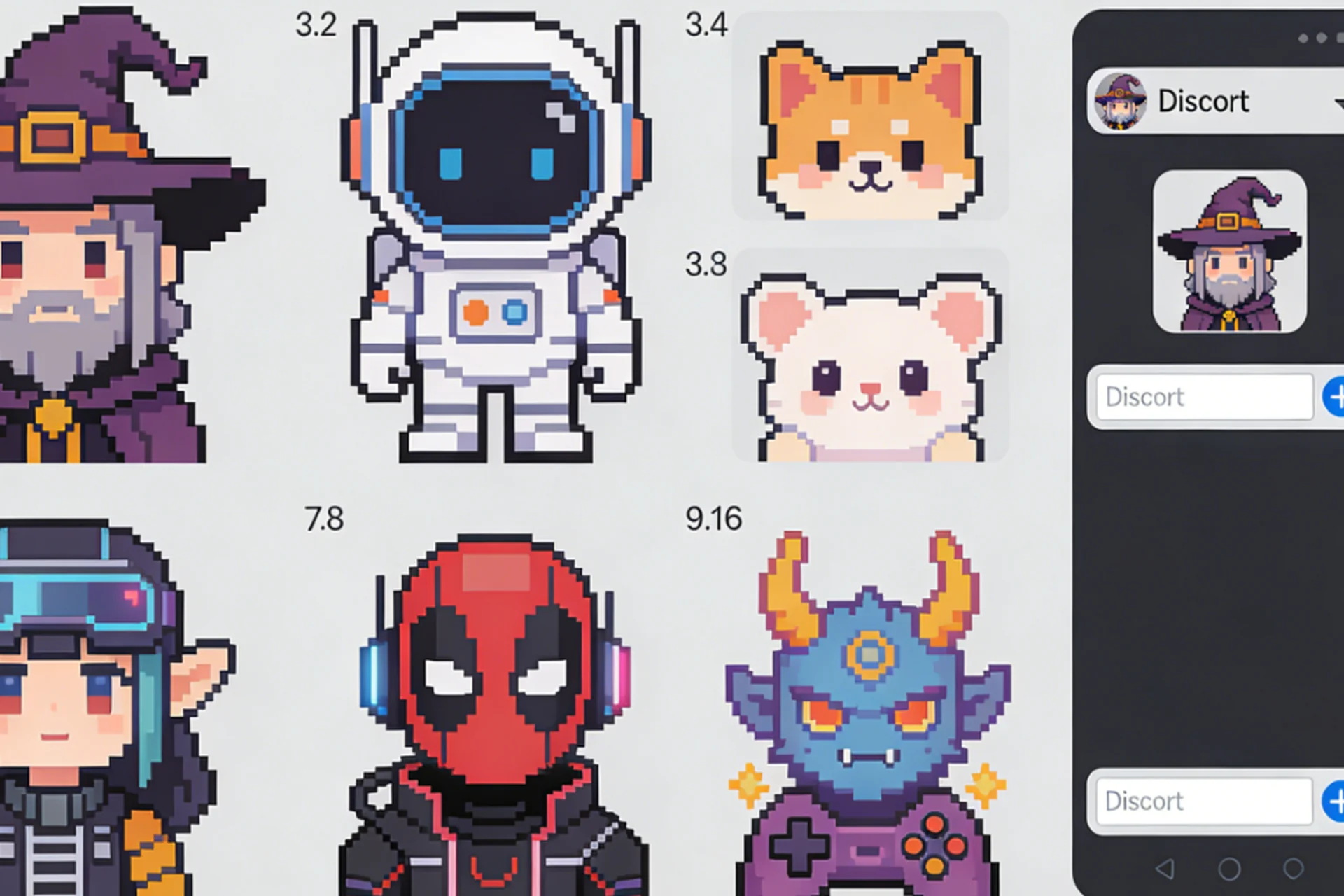
Pixel art avatars have become increasingly popular on Discord for good reason: they're nostalgic, eye-catching, and infinitely customizable. But creating pixel art from scratch used to require time, artistic skill, and expensive software. Until now.
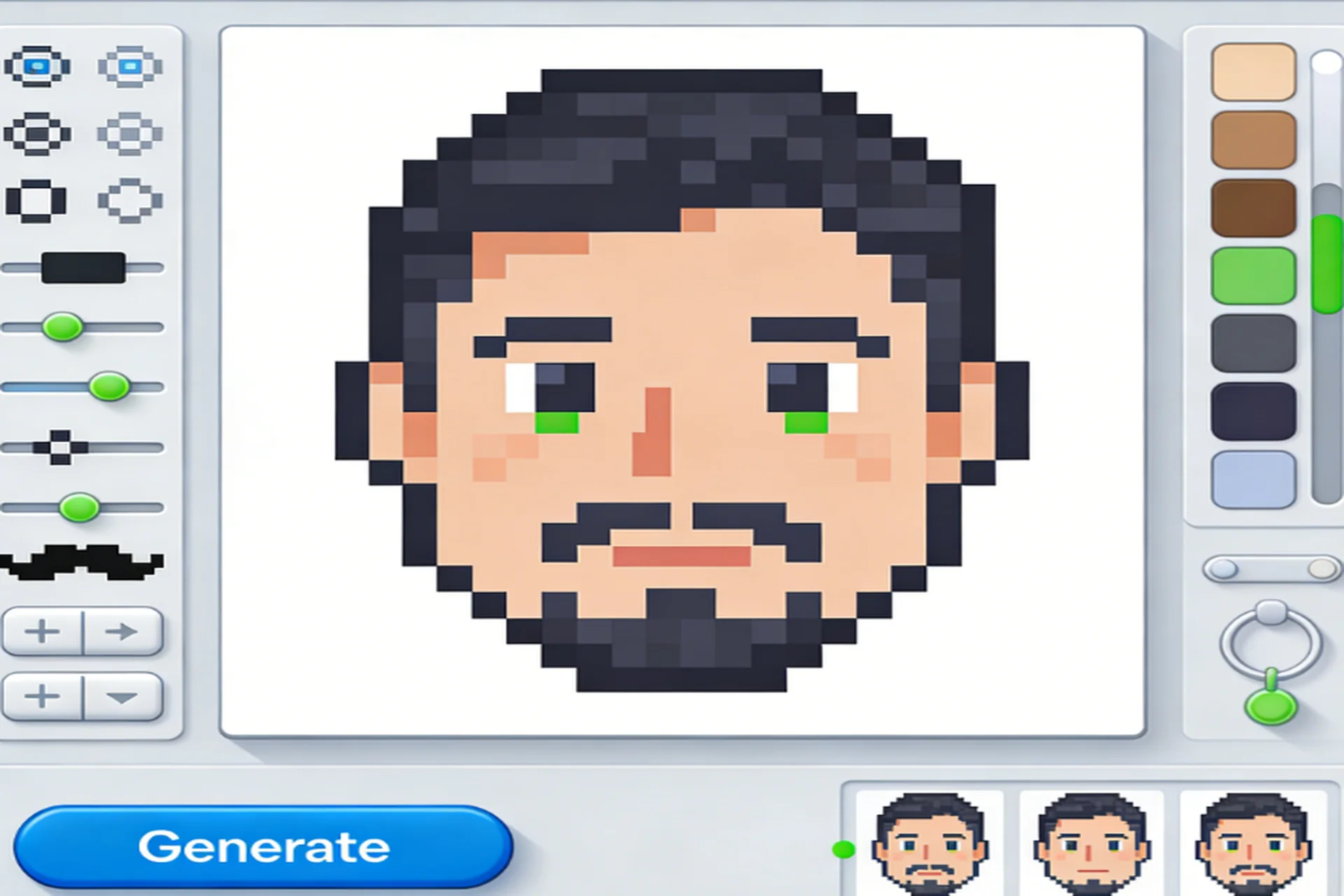
Enter Square Face Generator – a completely free tool that lets anyone create professional pixel art avatars in seconds. No drawing skills required, no subscriptions needed, and absolutely no watermarks. In this comprehensive guide, we'll cover everything you need to know about creating the perfect Discord PFP, from technical specifications to advanced team strategies.
Discord Avatar Specifications: The Technical Details
Let's start with the hard facts about what Discord actually wants from your avatar:
Official Requirements
- Recommended Size: 256x256 pixels
- Maximum File Size: 10 MB (but realistically, keep it under 1 MB)
- Format: PNG, JPG, or GIF (for animated avatars)
- Display Shape: Circular crop (automatically applied by Discord)
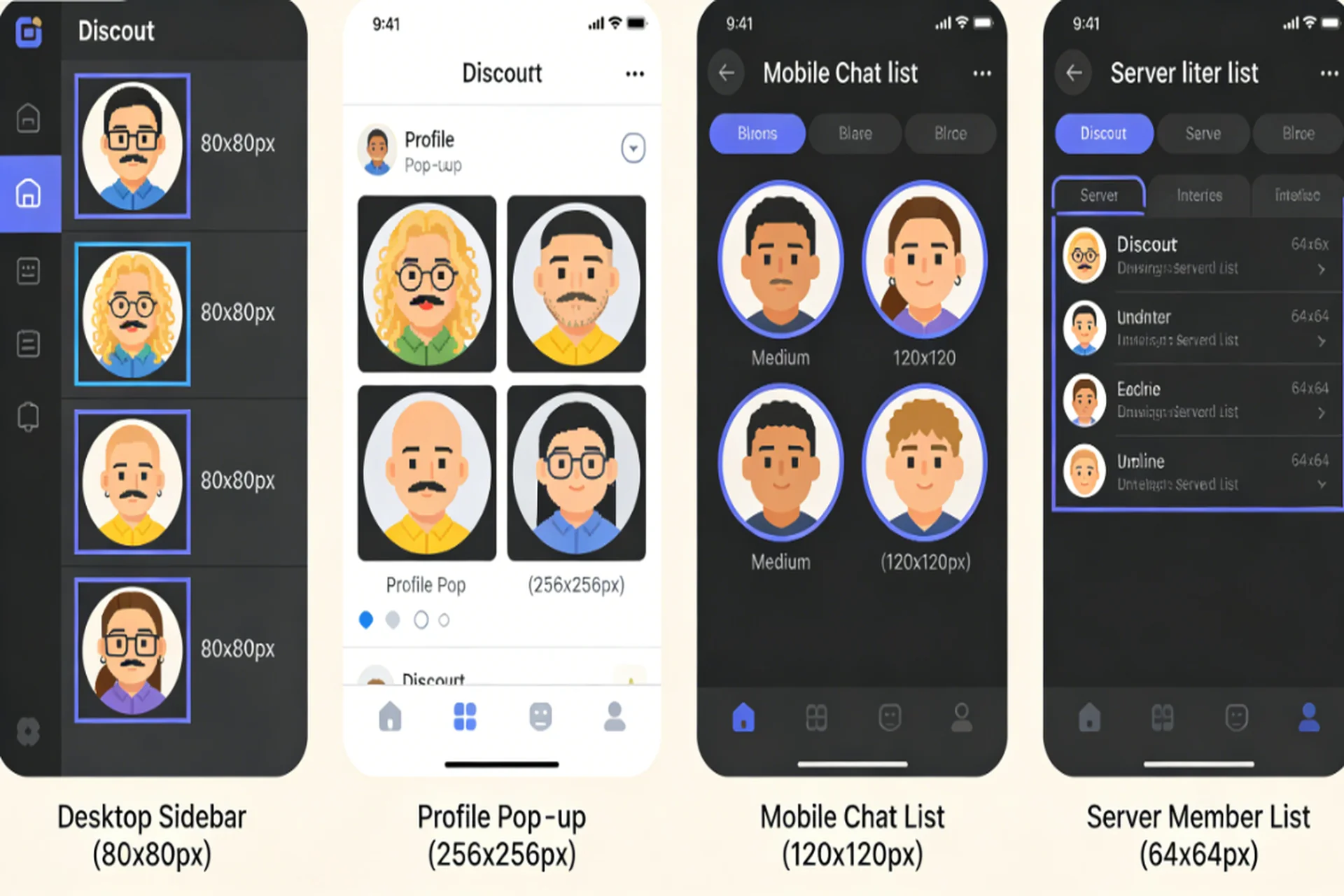
How Discord Displays Your Avatar
- User Lists: 64x64px (small icons on the right side of Discord)
- Chat Messages: 40x40px (tiny avatars next to your messages)
- Profile View: 256x256px or larger (when someone clicks your profile)
- Voice Chat: 128x128px (when you're speaking)
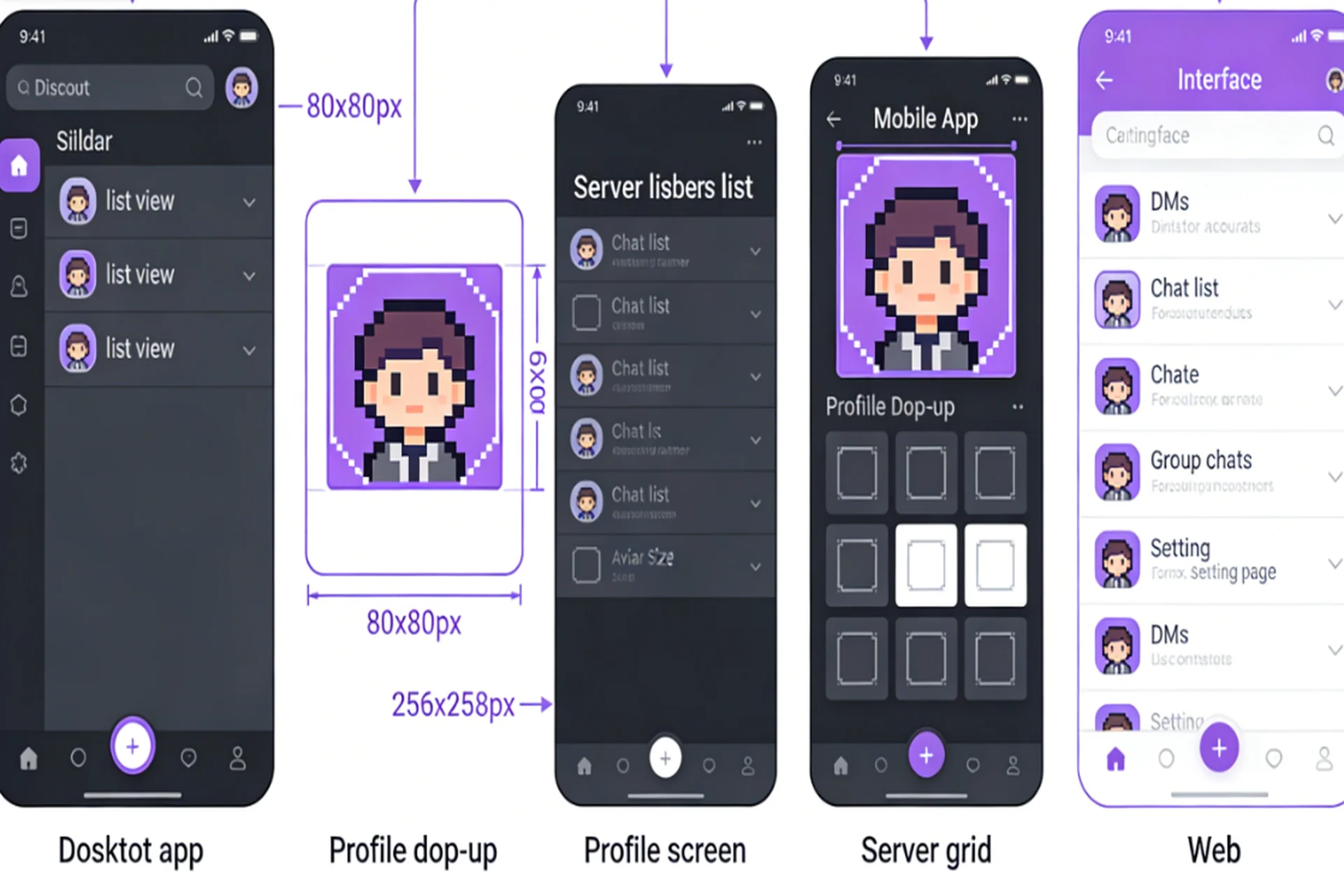
Why This Matters: Your avatar needs to look good at ALL these sizes. A complex avatar that looks amazing at 256x256px might become an unrecognizable mess at 40x40px. This is where pixel art shines – the simple, bold shapes remain clear and distinct even at tiny sizes.
The Pixel Art Advantage for Discord PFPs
Pixel art avatars aren't just a nostalgic choice – they're practically perfect for Discord's technical requirements:
Readability at Small Sizes: Pixel art uses bold, simple shapes that remain recognizable even when scaled down to 40x40px. Try that with a photograph and you'll get a blurry blob.
Consistent Style: Discord's interface itself is clean and modern. Pixel art complements this aesthetic without fighting for attention.
Fast Loading: Pixel art PNGs are typically small file sizes (15-25KB for 256x256px), meaning they load instantly even on slow connections.
Circular Crop Compatibility: Square faces with centered features translate perfectly to Discord's circular display. The most important elements (eyes, mouth) stay visible even with corner cropping.
Color Control: With pixel art, you control every single color. This means you can ensure good contrast against both Discord's dark and light themes.
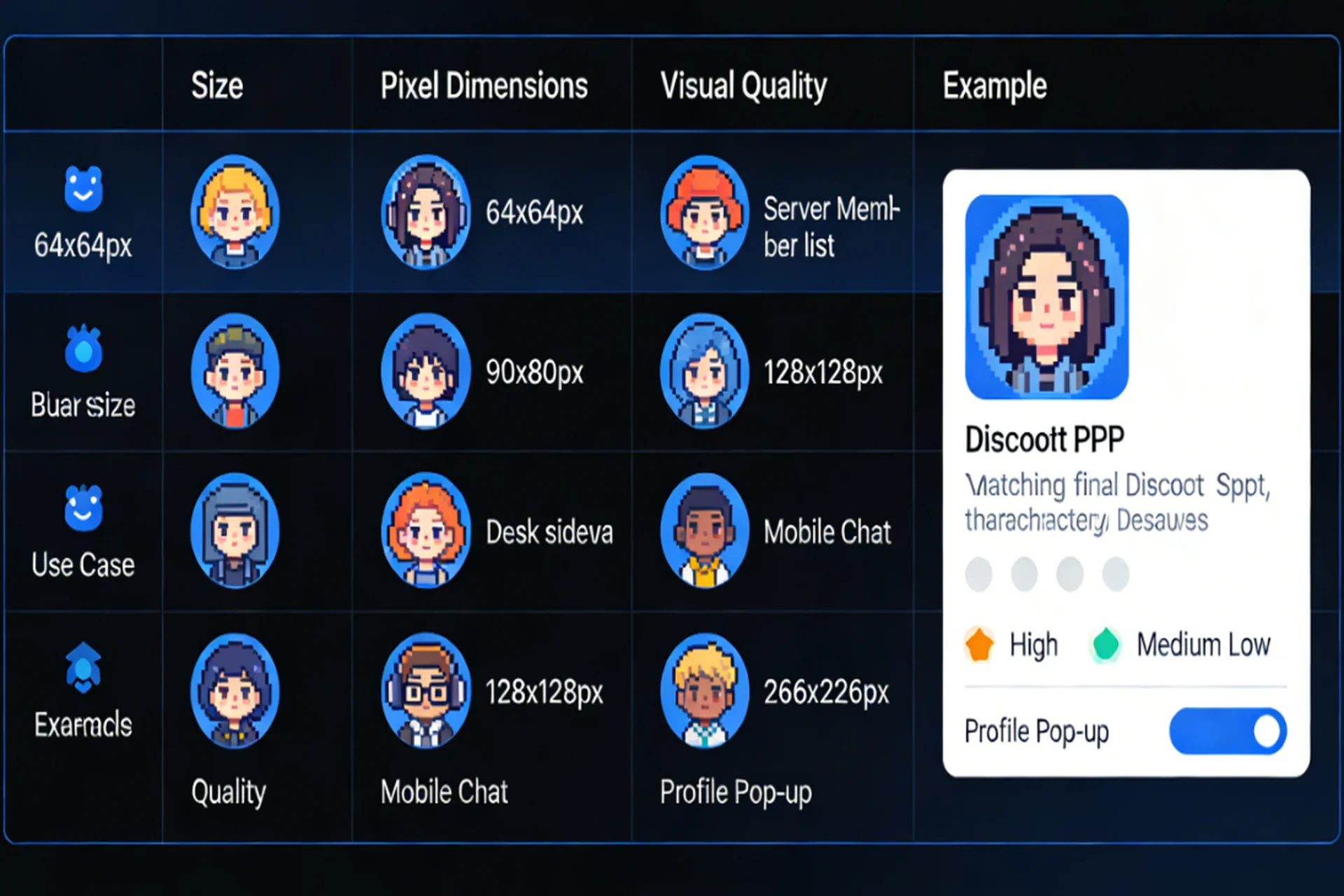
Size Comparison: Which Resolution Works Best?
We tested Square Face Generator's output at different sizes to see what actually works best on Discord:
64x64px Test
Pros: Tiny file size (5-10KB), perfect match for user list display size, loads almost instantly Cons: Looks pixelated in profile view, loses detail in larger displays Verdict: Only for users with very slow internet or optimizing for performance above all else
128x128px Test
Pros: Good balance between file size and quality, looks sharp in user lists and voice chat Cons: Still loses some detail in full profile view, not Discord's recommended size Verdict: A solid middle-ground choice, but not optimal for most users
256x256px Test (RECOMMENDED) ⭐
Pros: Discord's officially recommended size, looks great at all display sizes, best balance of quality (15-25KB) Cons: Slightly larger file than 64x64px (but still very small) Verdict: THE WINNER – use 256x256px for your Discord PFP
512x512px Test
Pros: Maximum detail, future-proof if Discord increases display size Cons: Larger file size (30-50KB), most extra detail is lost at normal viewing sizes Verdict: Only use if you plan to use your avatar elsewhere at larger sizes
What Makes a Great Discord Avatar?
Before diving into creation, let's establish what actually makes a Discord avatar effective:
Recognizability: At small sizes (like in user lists), your avatar should still be clearly identifiable. Pixel art excels here because the bold shapes and clear colors remain distinct even at tiny sizes.
Personality: Your avatar should say something about you. Whether you're goofy, serious, professional, or completely random, your PFP is an expression of who you are.
Circular Compatibility: Discord displays avatars in circles, so your avatar needs to look good when cropped. Square faces work surprisingly well in circles because the important features are centered.
Uniqueness: With so many Discord users, having a unique avatar helps you stand out. Pixel art offers billions of combinations, ensuring your avatar is one-of-a-kind.
Getting Started with Square Face Generator
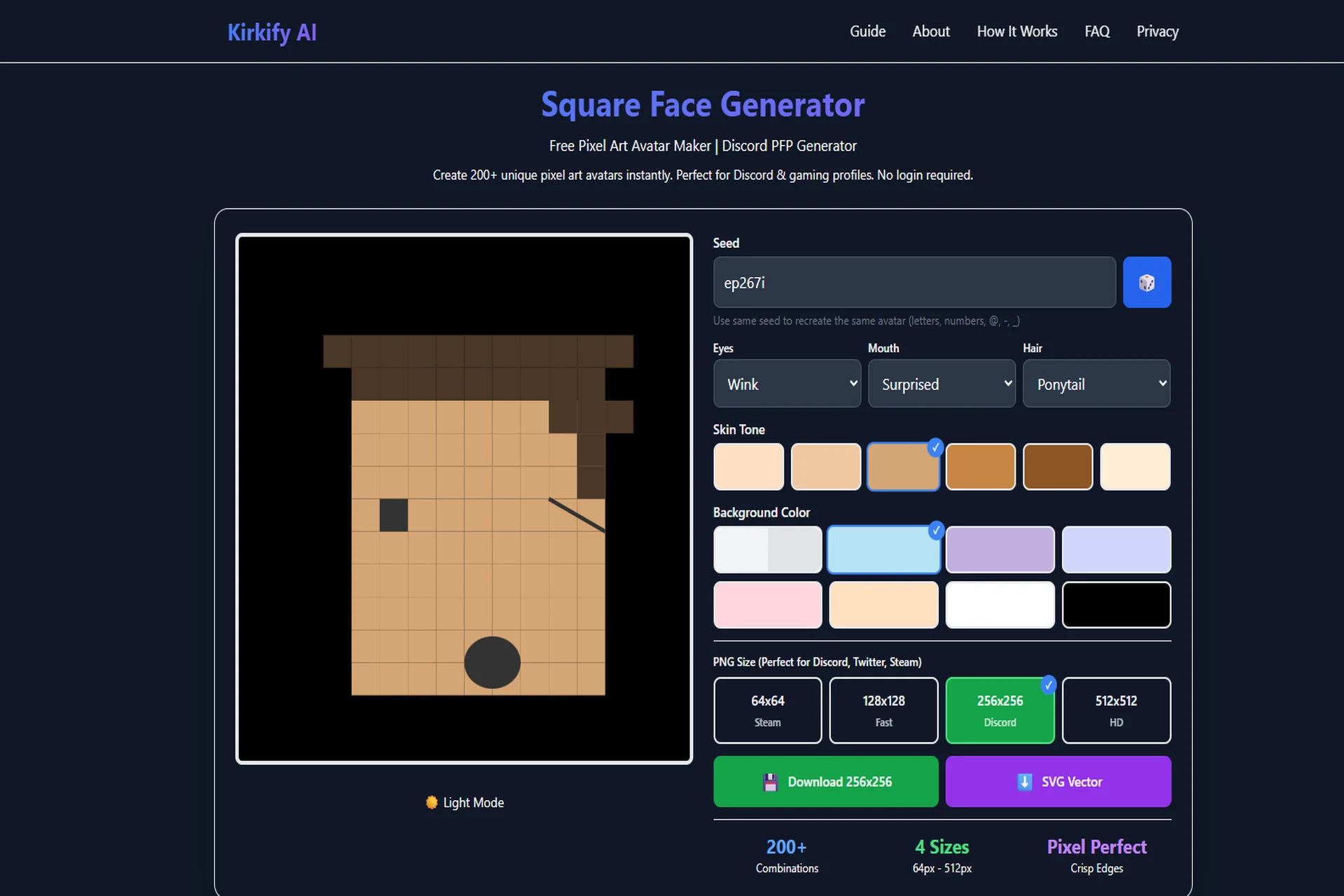
The first step is visiting the Square Face Generator website. No downloads, no sign-up, no hassle. The interface is clean, intuitive, and designed to get you from idea to download in under a minute.
The Seed System
Everything starts with a seed – a word or phrase that generates your unique avatar. This could be your Discord username, your real name, or any word that's meaningful to you.
Seed System Benefits:
- Reproducibility: If you ever need to recreate your avatar, you just enter the same seed
- Team Matching: Want matching avatars for your gaming squad? Use the same base seed
- Infinite Variety: Different seeds produce completely different avatars
Step-by-Step: Creating Your Discord PFP
Step 1: Choose Your Seed
Type your Discord username (or any word you like) into the seed input. The generator will instantly create a base avatar using that seed.
Seed Tips:
- Use your Discord handle for consistency across platforms
- Avoid special characters (letters, numbers, @, -, and _ work best)
- Shorter seeds are easier to remember and type
- The same seed always produces the same avatar
Step 2: Customize the Eyes
The eyes are where the personality really shines. Square Face Generator offers 8 different eye styles:
Normal: Classic dot eyes that work in any situation Happy: Upward curved lines that give a friendly, cheerful vibe Wink: Playful and flirty – perfect for community moderators or jokesters Sleepy: Horizontal lines that convey a relaxed, chill attitude Surprised: Wide open with circles – shows excitement and enthusiasm Angry: Diagonal lines that look determined or fierce Sad: Downturned with worry – shows empathy or emotional depth Starry: Stars instead of dots – magical and whimsical
Discord Pro Tip: Choose an eye style that matches how you actually use Discord. Are you the joker of the server? Go with happy or wink. The serious strategist? Normal or angry might fit better.
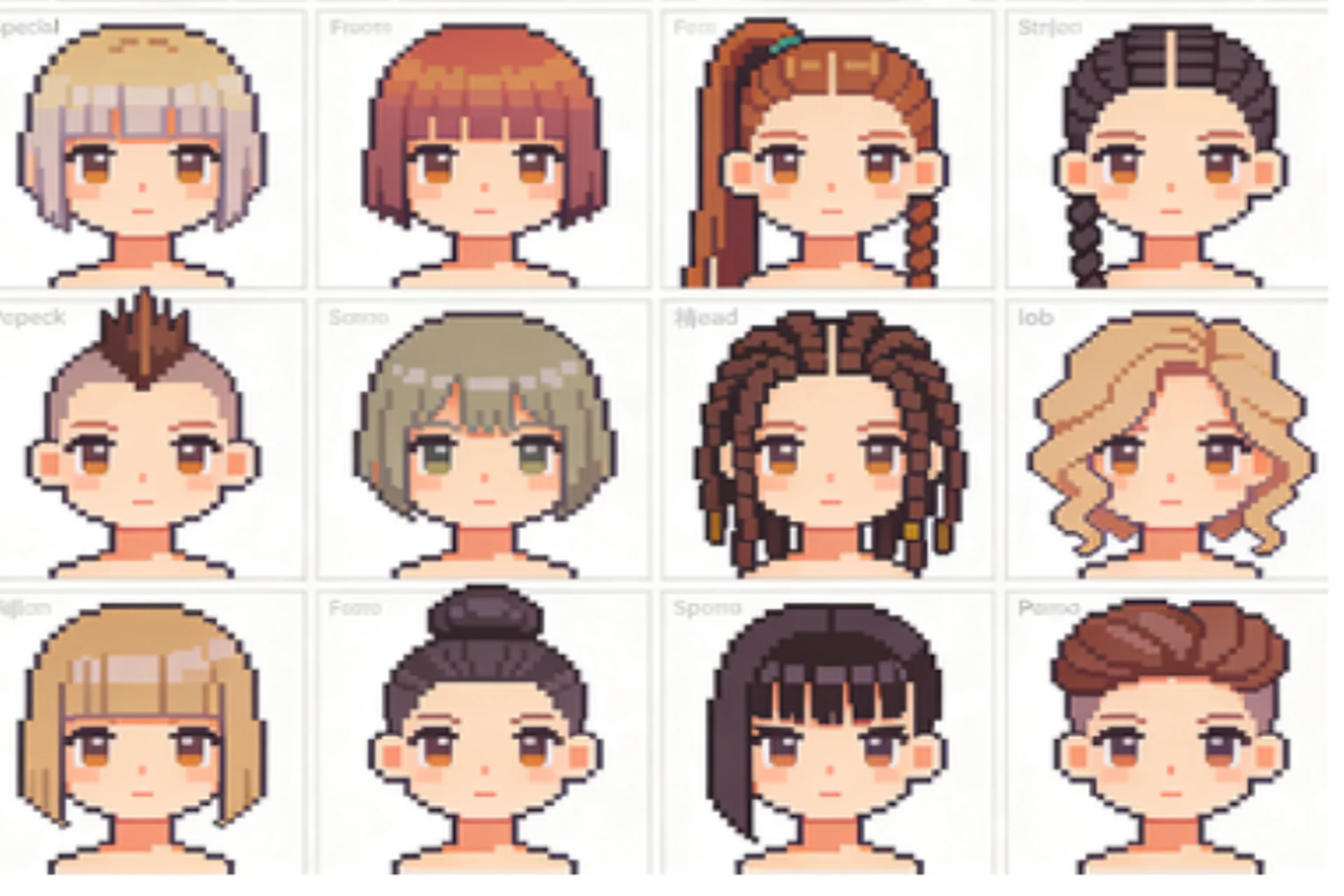
Step 3: Pick Your Hair Style
With 8 hair styles to choose from, you can find the perfect look for your digital persona:
None/Bald: Bold and confident – says you don't need hair to be awesome Short: Clean and practical – works for almost any personality type Long: Flowing and free – suggests a more relaxed or creative personality Curly: Fun and bouncy – shows playfulness and energy Spiky: Edgy and alternative – perfect for gamers who want to stand out Messy: Casual and laid-back – says "I'm here for a good time" Ponytail: Put together and practical – implies someone who's organized but still fun
Step 4: Express Yourself with Mouth Style
The mouth is where emotion comes through. Choose from 6 expressive options:
Smile: Friendly and approachable – the default for most Discord users Neutral: Stoic and mysterious – lets your eyes do the talking Sad: Empathetic and deep – shows emotional range Surprised: Excited and engaged – suggests someone who's enthusiastic Laugh: Joyful and exuberant – perfect for community builders and jokesters Tongue: Playful and cheeky – says you don't take yourself too seriously
Step 5: Choose Your Skin Tone
Square Face Generator offers 6 carefully chosen skin tones that represent a diverse range of complexions. Choose the one that best represents you, or go wild with something completely different – it's your avatar, after all.
Step 6: Select Your Background (CRUCIAL for Discord)
This step is especially important for Discord PFPs:
Transparent Background: Strongly recommended for Discord. Discord applies its own background color in different contexts (dark mode vs light mode, server themes, etc.). A transparent background lets your pixel face look good anywhere.
Solid Colors: If you prefer a solid background, choose a color that provides good contrast with your avatar's features. Avoid colors too similar to your skin tone or hair color.
Discord-Specific Advice: Go transparent. Your avatar will look better in user lists, chat, and profile views.
Step 7: Download in the Perfect Size
For Discord, we recommend 256x256px PNG – this is Discord's officially recommended size and provides the best balance of quality and file size.
Optimizing for 64x64px User List Display
Discord's user list displays your PFP at just 64x64 pixels. Here's how to ensure your avatar looks amazing even at this tiny size:
Design Principles for Small Sizes
Keep Eyes Prominent: At 64x64px, eyes are the most important feature. Choose eye styles that are clear and bold – normal, happy, angry, or surprised work best.
Simple Hair Styles: Complex hair styles (like curly or messy) can become visual noise at small sizes. Short, long, or spiky tend to remain clearer.
High Contrast: Ensure your face stands out from your background. If using a transparent background (which you should), make sure skin tone provides good contrast against Discord's dark/light themes.
Avoid Clutter: Don't overcrowd your avatar. At 64x64px, less is definitely more.
Test Before You Commit
Before finalizing your avatar:
- Download your avatar at 256x256px
- View it at 25% zoom (which equals 64x64px)
- Check if it's still recognizable
- Adjust if necessary and test again
Advanced Discord PFP Tips
Circular Crop Testing
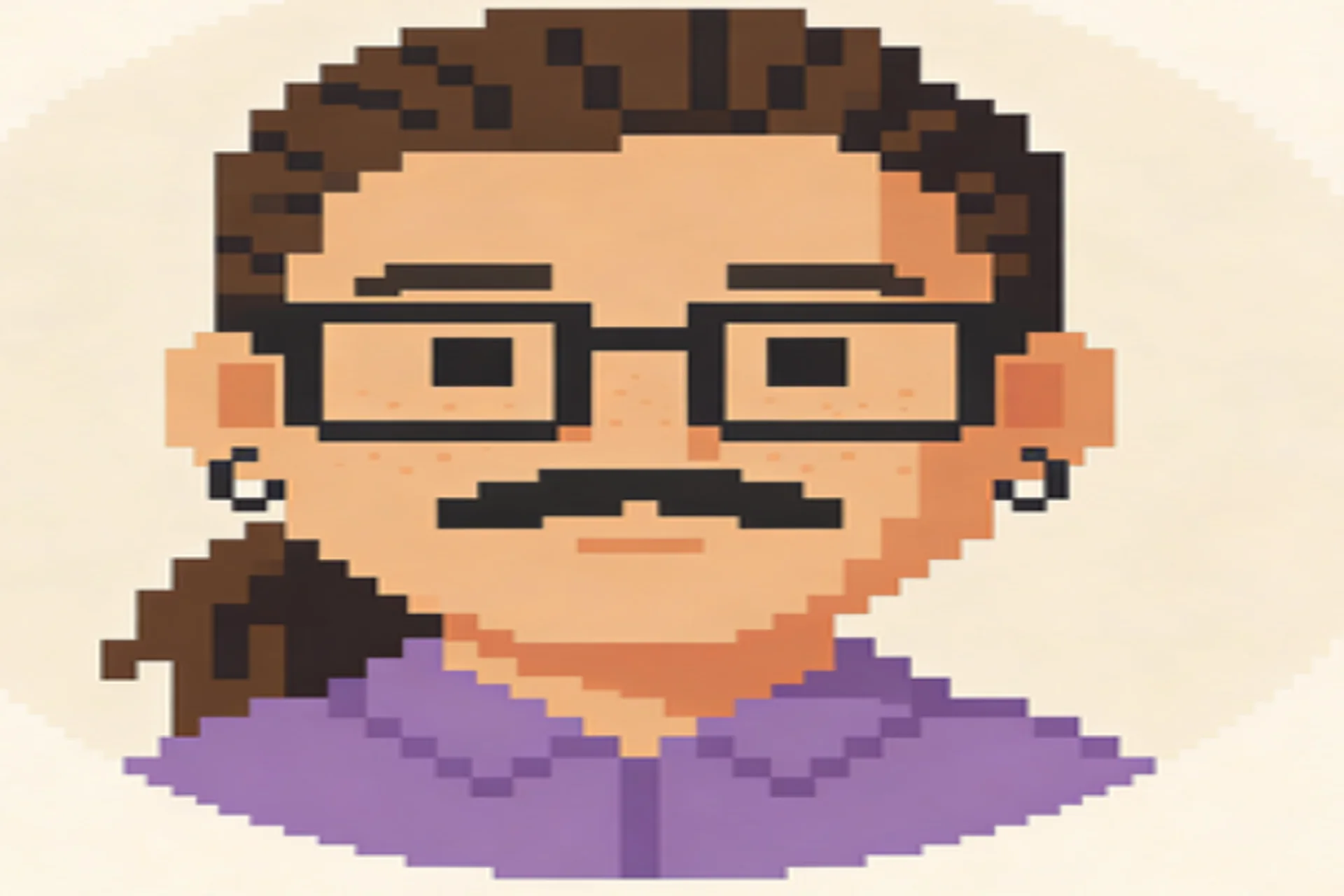
Discord displays avatars in circles, but Square Face Generator creates square images. Before finalizing your avatar, visualize it in a circle:
- The most important features (eyes, mouth) should be centered
- Hair styles that extend to the edges might get cropped
- Test by viewing your downloaded avatar in a circular frame
Dark Mode vs Light Mode
Discord users can choose between dark and light themes. Make sure your avatar looks good in both:
- Transparent backgrounds adapt automatically to both themes
- Avoid colors that blend into either dark or light backgrounds
- Test your avatar by switching between Discord's themes
Consistency Across Servers
Many Discord users are active in multiple servers. Having the same avatar across all of them helps with recognition and builds your personal brand. The seed system makes this easy – use the same seed whenever you need to recreate your avatar.
Server Identity vs Personal Identity
Some users prefer different avatars for different servers:
- Professional servers: Might use a more serious eye and mouth combination
- Gaming servers: Could go wilder with fun expressions and unique hair styles
- Friend servers: Often the most casual and experimental
Square Face Generator's unlimited free generation means you can create different avatars for different contexts without worrying about costs.
Team Server Strategies: Unified Avatars
For community servers, gaming teams, or organized Discord servers, having unified avatar styles can create a strong sense of identity.
Matching Seed Strategy
Use the same base seed for all team members, then customize each avatar slightly:
- Same Base Seed: Enter "teamname" (or your team's actual name) as the seed for everyone
- Individual Customization: Each person changes one or two features (eye style or mouth) to create individual identity while maintaining team unity
Result: Avatars that clearly belong together but aren't identical – perfect for teams
Role-Based Avatar Styles
Different roles in your server can have different avatar styles:
- Moderators: Use serious eye styles (normal or angry) with neutral mouth – conveys authority
- Community Builders: Happy or laughing mouth with normal eyes – friendly and approachable
- Technical Support: Sleepy or normal eyes with neutral mouth – calm and reliable
Color Coding
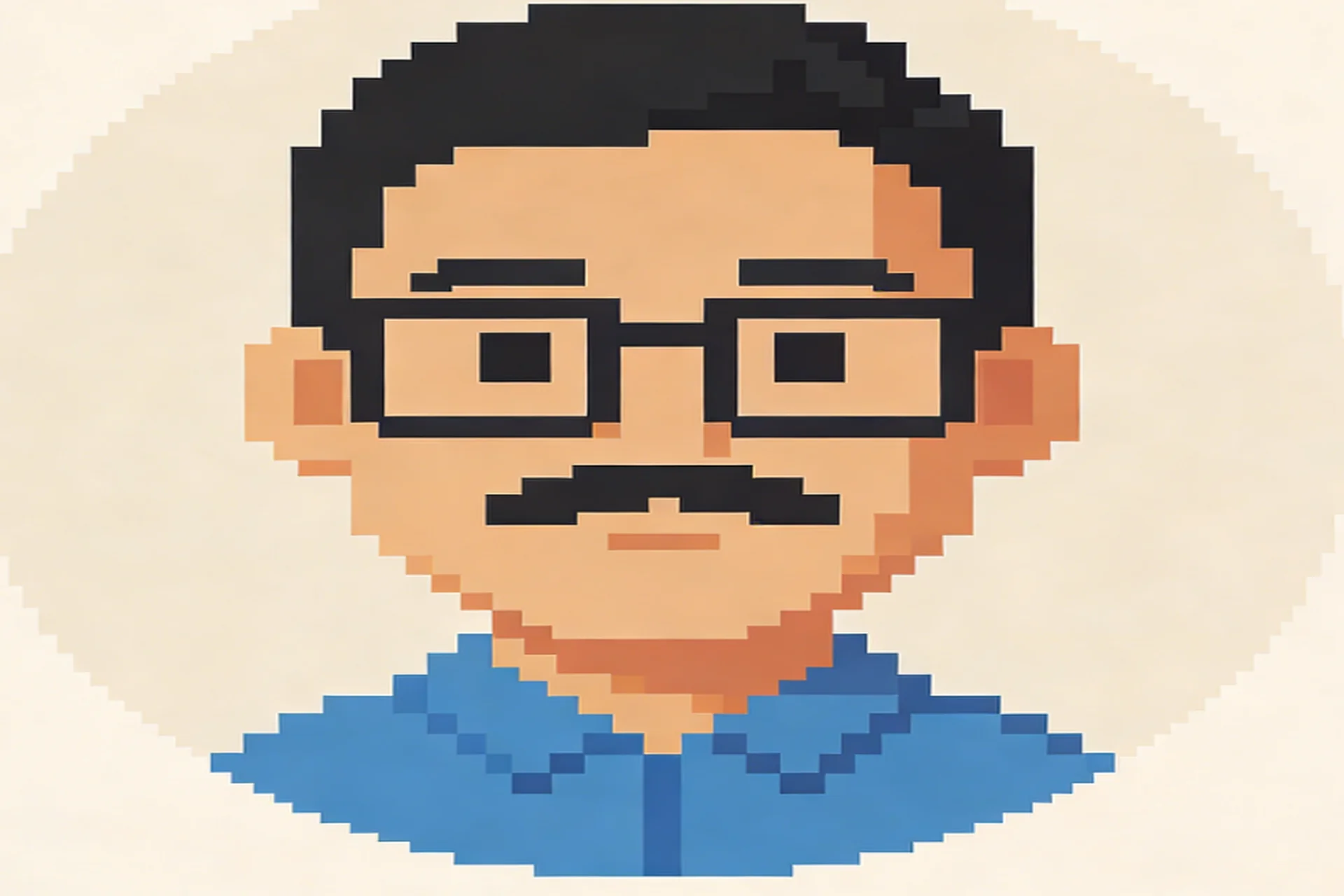
Use background colors or skin tones to create visual hierarchy:
- Leadership: One specific background color
- Moderators: A different background color
- Members: Transparent background or neutral color
Note: For Discord specifically, transparent background is still recommended, but color-coding can work in profile views.
File Size and Performance
Discord has file size limits for avatars, and Square Face Generator's pixel art format is perfectly optimized:
- PNG 256x256px: Typically 15-25KB – well under Discord's limits
- Small file size: Fast loading even on slow connections
- Pixel perfect: Looks crisp at any size Discord displays it
Real-World Impact: In a server with 1000 members, if everyone has optimized avatars, the server loads noticeably faster.
Common Discord PFP Mistakes to Avoid
Using Photographs: Photos look blurry at Discord's smaller display sizes. Pixel art stays sharp.
Ignoring Circular Crop: Discord will circularly crop your avatar. Design for circles, not squares.
Too Much Detail: Complex art becomes visual noise at 40x40px. Keep it simple.
Poor Contrast: If your avatar blends into the background, it's not doing its job.
Changing Too Often: While you can change your PFP anytime, frequent changes make it harder for people to recognize you. Find something you like and stick with it.
Troubleshooting Common Issues
"My avatar looks blurry in Discord": Make sure you downloaded the PNG, not a compressed version. Upload the highest resolution available (256x256px or 512x512px).
"Colors look different than expected": Discord applies slight color processing. This is normal and affects all avatars, not just pixel art.
"My avatar gets cut off in circles": Remember that Discord circularly crops avatars. Keep important features centered and away from the edges.
"Avatar looks different in dark vs light mode": Use a transparent background to ensure consistency across Discord's themes.
Conclusion: Your Perfect Discord PFP Awaits
Creating the perfect Discord PFP with Square Face Generator is about understanding the technical requirements while staying true to your personality. Discord's circular display, multiple size contexts, and theme options present challenges that pixel art handles beautifully.
The Optimal Setup
- Seed: Your Discord username (for easy recreation)
- Size: 256x256px (Discord's recommended size)
- Background: Transparent (adapts to all themes and contexts)
- Features: Choose what represents YOU
- File Format: PNG (perfect quality, small file size)
With these settings, your avatar will look crisp in user lists, clear in chat, impressive in profile view, and consistent across Discord's dark and light themes.
Square Face Generator gives you everything you need to create Discord PFP perfection: over 200 style combinations, instant generation, multiple download sizes, and unlimited free use. No subscriptions, no watermarks, no compromises.
Your Discord identity is waiting. Create your perfect pixel art PFP today and stand out in the Discord universe!