Square Face Generator Complete Guide: 2026 Best Discord PFP Maker
Square Face Generator Complete Guide: 2026 Best Discord PFP Maker
Introduction: The Pixel Art Avatar Revolution
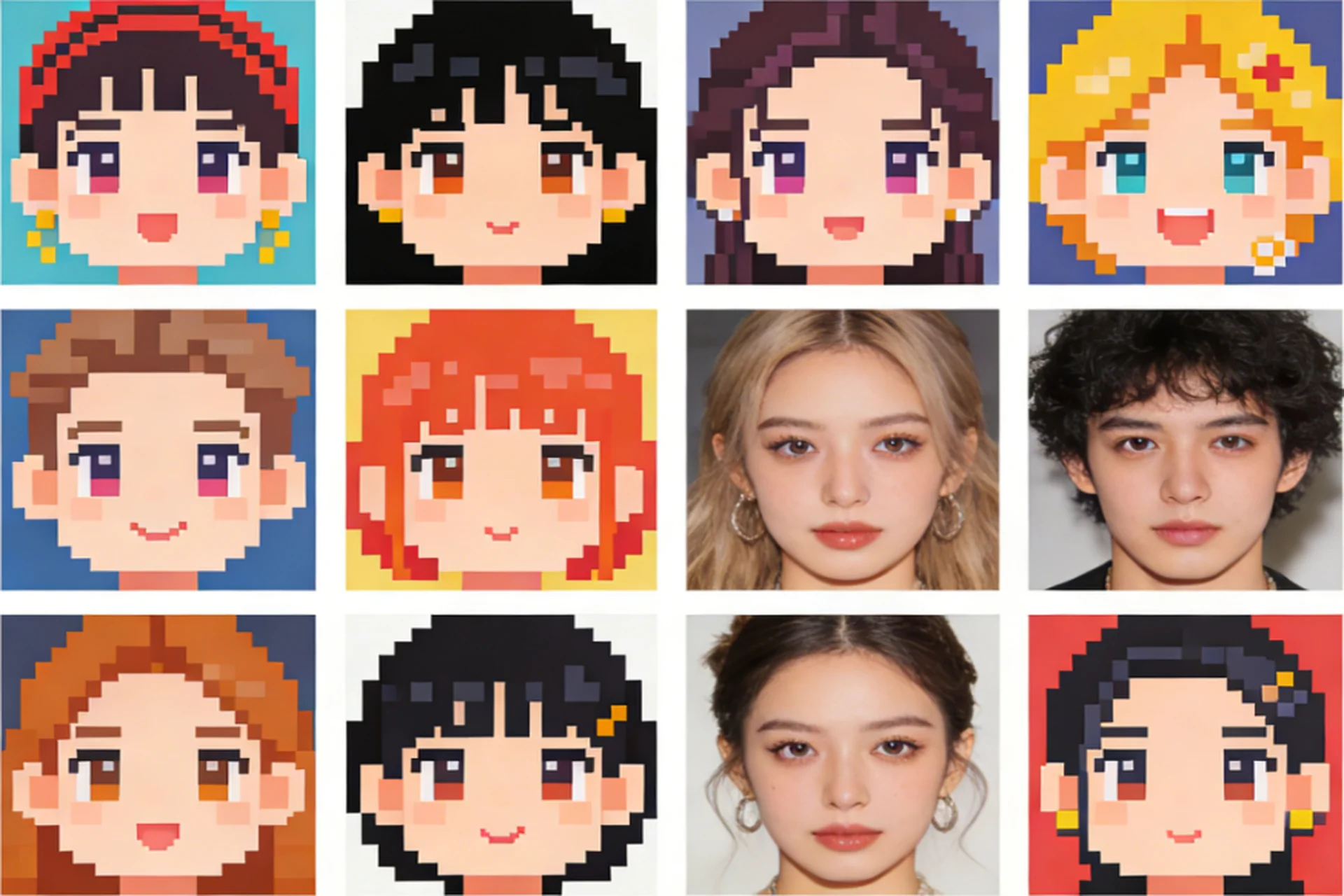
If you've been scrolling through Discord servers, gaming communities, or social media platforms lately, you've probably noticed something: pixel art avatars are everywhere in 2026. These adorable, nostalgic square faces have taken over the internet, and there's a good reason why. They're unique, eye-catching, and surprisingly personal – even though they're made of simple pixels.
But where do people get these pixel-perfect avatars? Enter the Square Face Generator – a completely free tool that's making it possible for anyone to create professional pixel art avatars in seconds. No design skills required, no expensive software needed, and absolutely no hidden costs. Just pure, unadulterated pixel art creation at your fingertips.
In this comprehensive guide, we'll dive deep into everything you need to know about the Square Face Generator. From understanding why pixel art has made such a massive comeback to learning how to create the perfect Discord PFP in just three steps, we've got you covered. Let's jump in!
What is Square Face Generator?
Square Face Generator is a free online tool that creates unique pixel art avatars based on a seed system. Think of it like a digital character creator, but instead of complex 3D models, it creates charming 8-bit style square faces. The best part? Every aspect of the avatar is customizable, and with over 200 possible combinations, you're guaranteed to get something unique.
What Makes It Different: Unlike avatar generators that rely on external APIs or require subscriptions, Square Face Generator runs entirely in your browser. This means instant generation, complete privacy (your images aren't stored on any server), and unlimited use without ever paying a dime.
The Tech Behind It: The generator uses sophisticated algorithms to ensure that entering the same seed (like your name or username) will always produce the same avatar. This seed-based system means you can recreate your avatar anytime, anywhere, or create matching avatars for your entire team by using the same base seed.
Why Are Pixel Art Avatars So Popular in 2026?
Pixel art isn't just a nostalgic throwback to the 80s and 90s anymore – it's become a legitimate art form and a powerful way to express your digital identity. Here's why pixel art avatars have exploded in popularity:
Nostalgia Factor: For many millennials and Gen Z users, pixel art evokes fond memories of classic video games. It's a way to connect with gaming culture while expressing individuality.
Stand Out in Feeds: In a world of photorealistic selfies and overly polished profile pictures, pixel art avatars catch the eye. They're different, memorable, and show personality.
Universal Appeal: Unlike realistic photos that might reveal too much (or not enough) personal information, pixel art provides a perfect balance of personal expression and privacy.
Perfect for Gaming: For Discord, Steam, Twitch, and other gaming platforms, pixel art fits the aesthetic perfectly. It's like wearing your gaming passion on your digital sleeve.
Accessibility: Anyone can create pixel art avatars. You don't need to be an artist or have any design skills – tools like Square Face Generator handle all the technical work for you.
The Power of Customization: What You Can Control
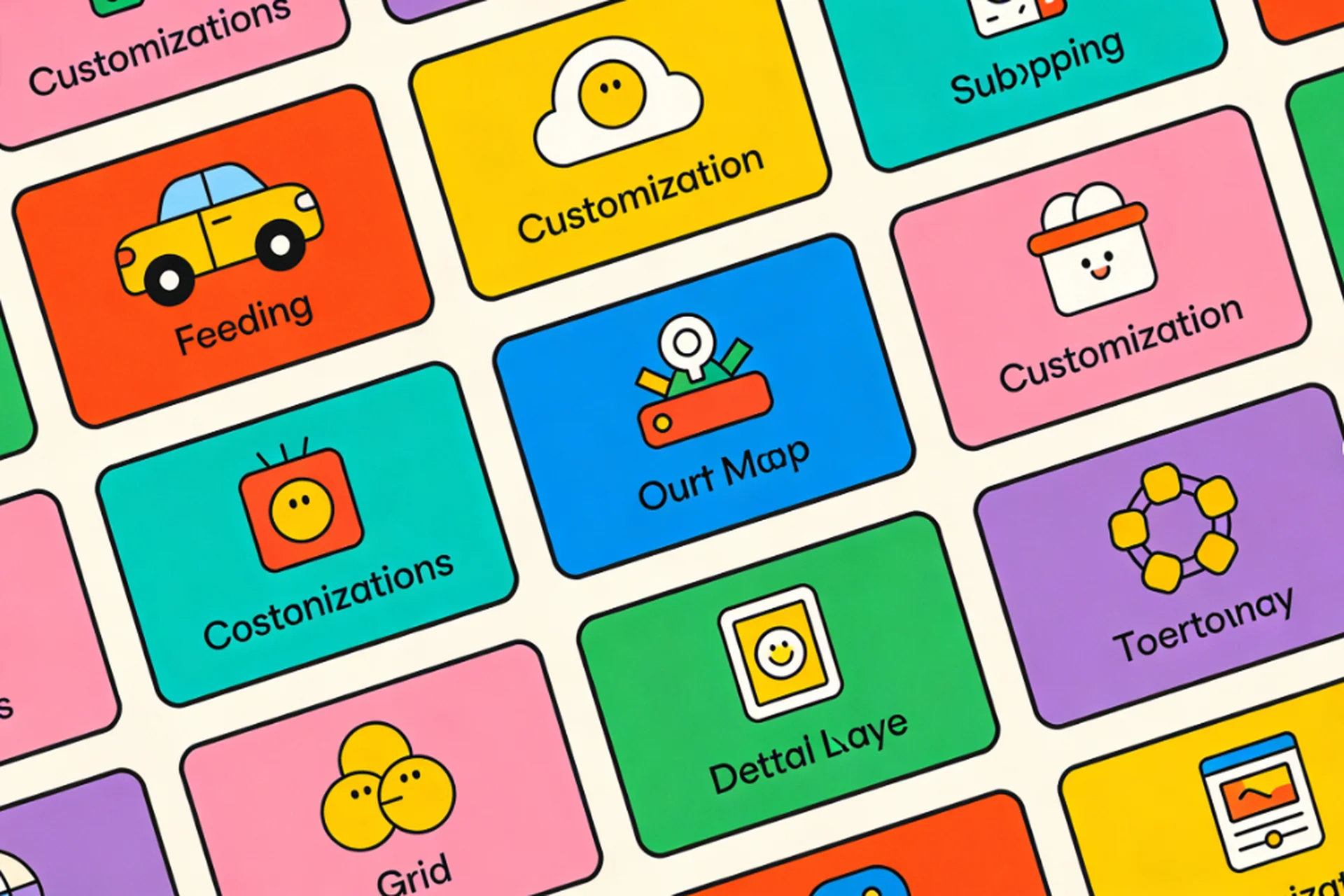
Square Face Generator isn't a one-size-fits-all solution. It gives you complete control over your avatar's appearance:
8 Eye Styles: From normal and happy eyes to winks, sleepy expressions, surprised looks, angry glares, sad faces, and even starry eyes – there's an eye style for every mood and personality.
8 Hair Styles: Go bald, rock a short cut, flow with long hair, embrace curls, go spiky, get messy, or tie it back in a ponytail. Your hair (or lack thereof) says a lot about you.
6 Mouth Styles: Smile broadly, stay neutral, look sad, act surprised, laugh out loud, or stick your tongue out playfully. The mouth is where the personality really shines through.
6 Skin Tones: Choose from a range of realistic skin tones to represent yourself authentically, or go wild with something completely different.
8 Background Colors: Pick a solid color that complements your avatar, or go with a transparent background that works anywhere.
3 Simple Steps to Create Your Perfect Discord PFP
Ready to create your pixel art masterpiece? Here's how easy it is:
Step 1: Enter Your Seed
The seed is the secret sauce that makes your avatar uniquely yours. It can be anything – your name, username, email, favorite word, or random string of characters. The important thing is that the same seed will always generate the same avatar, so choose something meaningful to you.
Pro Tip: Using your username or handle as your seed makes it easy to remember and recreate your avatar whenever you need it.
Step 2: Customize Your Avatar
Once you've entered your seed, the generator creates an initial avatar for you. But you don't have to settle for the random result! Tweak every aspect:
- Eyes: Click through the 8 different eye styles until you find one that matches your vibe
- Hair: Experiment with different hair styles to see what looks best
- Mouth: Pick an expression that reflects your personality
- Skin Tone: Choose a skin tone that feels right for you
- Background: Select a background color or go transparent for versatility
Live Preview: As you make changes, you see the results instantly. No waiting, no processing time – just immediate visual feedback.
Step 3: Download in Your Perfect Size
Different platforms need different avatar sizes, and Square Face Generator has you covered:
- 64x64px: Perfect for Steam profiles and small UI elements
- 128x128px: Great for quick loading and smaller displays
- 256x256px: The gold standard for Discord – crisp, clear, and detailed
- 512x512px: When you need maximum detail or are printing your avatar
Choose your size, click download, and you're done! Your avatar is ready to upload to Discord, Steam, Twitter, or anywhere else you want to express your pixel art personality.
Platform Size Guide: Which Size for Which Platform?
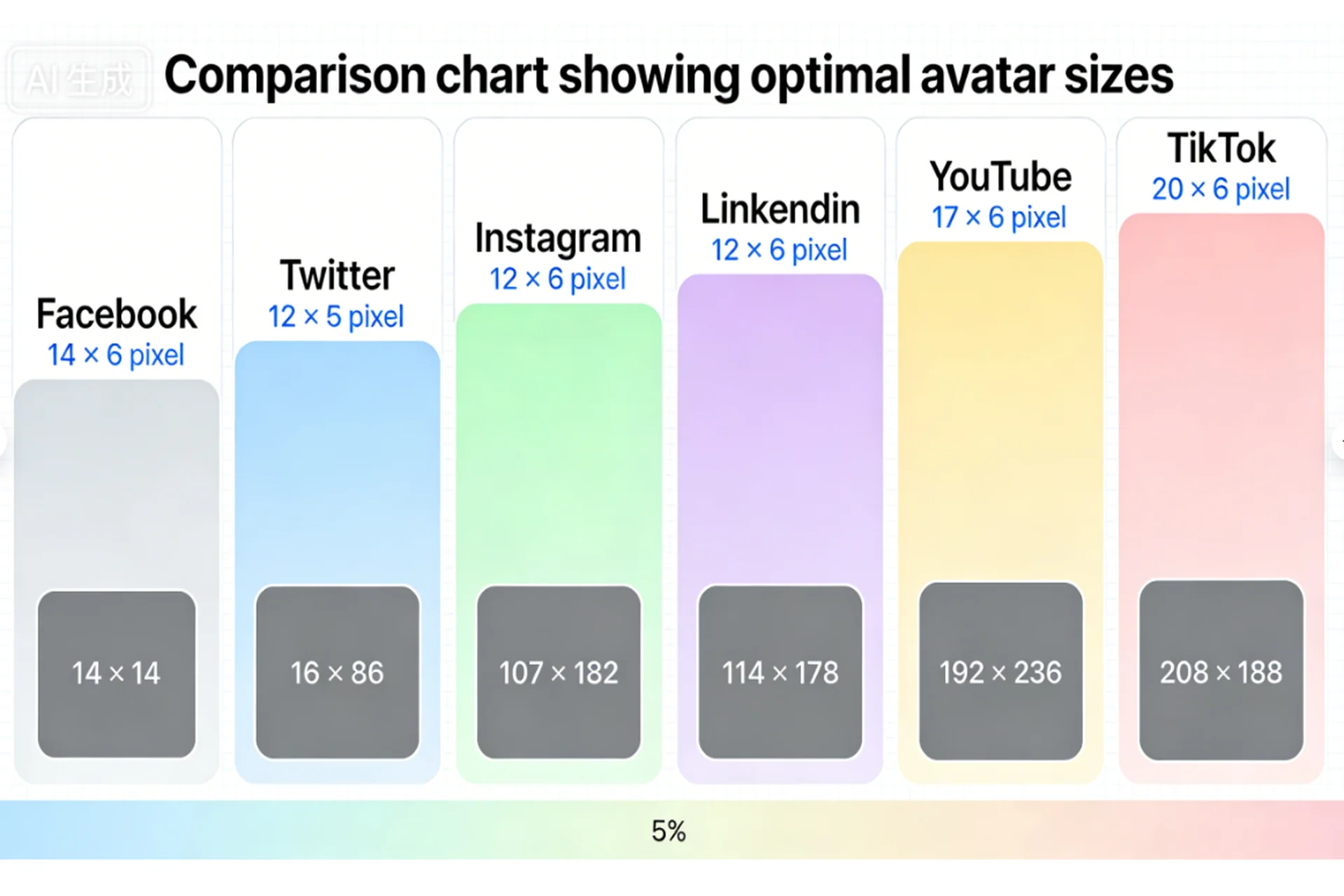
Different social platforms have different optimal avatar sizes. Here's a quick guide to help you choose:
Discord
Recommended Size: 256x256px Why: Discord displays avatars at various sizes depending on context – from tiny user list icons to larger profile views. 256x256px gives you enough detail to look good everywhere while keeping file size reasonable.
Pro Tip: Discord will circularly crop your avatar, so make sure your pixel face looks good in both square and circle formats.
Twitter/X
Recommended Size: 256x256px or 512x512px Why: Twitter supports larger avatars, and the extra resolution helps when your avatar appears in high-resolution displays or when people click to view your profile.
Pro Tip: Twitter also uses circular cropping, so test your avatar in both formats before committing.
Steam
Recommended Size: 184x184px (official), but 64x64px works great for user lists Why: Steam has specific size requirements, but pixel art avatars are naturally well-suited to the platform's gaming aesthetic.
Pro Tip: The 64x64px size is perfect for Steam's user list display, where smaller avatars are the norm.
Twitch
Recommended Size: 256x256px Why: Twitch uses 256x256 as the standard, though you can go larger if you want extra detail.
General Websites and Apps
Recommended Size: SVG format or 256x256px PNG Why: SVG scales infinitely without losing quality, making it perfect for responsive websites. PNG 256x256px is a safe fallback that works almost everywhere.
Advanced Tips for Standout Avatars
Want to take your pixel art avatar to the next level? Here are some pro tips:
Match Your Brand: If you're a content creator, choose colors and styles that match your channel aesthetic. Consistency helps people recognize you across platforms.
Consider Readability: At small sizes (like 64x64px), complex details can get lost. Simpler designs often work better for smaller displays.
Test Across Platforms: Upload your avatar to different platforms and see how it looks. What looks great on Discord might need adjustments for Steam or Twitter.
Keep It Simple: Pixel art is beautiful because of its simplicity. Don't overcomplicate your avatar – sometimes the most basic designs are the most memorable.
Express Yourself: Your avatar is your digital face. Don't be afraid to make it unique, quirky, or completely unexpected. That's the point!
Common Questions About Square Face Generator
Is it really free? Yes, 100% free with no limits, no watermarks, and no hidden costs.
Do I need to create an account? Nope! Just visit the website, create your avatar, and download it. No sign-up required.
Can I use my avatar commercially? Absolutely! All avatars generated by Square Face Generator are free for personal and commercial use.
Will the same seed always create the same avatar? Yes! That's the beauty of the seed system. Enter "john" today, tomorrow, or next year, and you'll get the exact same pixel art face every time.
How many unique avatars can I create? With 200+ style combinations and unlimited seed possibilities, you can create billions of unique avatars. You'll never run out of options.
Conclusion: Your Pixel Art Journey Starts Now
Square Face Generator has made creating professional pixel art avatars accessible to everyone. Whether you're a Discord power user, a Twitch streamer building your brand, a Steam gamer looking to stand out, or just someone who loves the aesthetic of pixel art, this tool gives you everything you need to express yourself digitally.
The combination of ease-of-use, complete customization, and zero cost makes Square Face Generator the obvious choice for anyone looking to create a Discord PFP in 2026. With over 200 style combinations, multiple download sizes, and instant generation, you have everything you need to create an avatar that's uniquely you.
So what are you waiting for? Enter your seed, customize your perfect pixel face, and join the millions of people who have discovered the joy of pixel art avatars. Your perfect Discord PFP is just a few clicks away!